SaaS
How to work with the library
How the library works, what you get in each category, and how to take a layer into whatever you're building.
Featured templates
On this page
What is the library?
the library lets you build an immersive website with AI, instead of the generic one you get by default. You start from a layer that already has the craft in it, then prompt it into your own version.
Ask an AI for a website and you get the average of everything it's seen: a centred hero, three feature cards, a flat gradient. That's not the model failing — it's the model with nothing to work from.
A layer is that foundation — a finished piece of design (motion, depth, atmosphere) handed to the AI as context, so it builds on craft that's already there instead of inventing the hard parts.
Choose a prompt package and complete your one-time payment at Stripe checkout. We manually email the package within 24 hours after confirmed payment. Then paste the delivered prompt into your preferred AI coding tool. Use your delivered prompt to guide your AI coding tool. Describe the framework and changes you want, then review and test the generated implementation in your project.
When to use it
When you want a site that stands out, and you'd rather direct an AI than start from a blank design file.
Related
How does the library work?
Choose a prompt package and complete your one-time payment at Stripe checkout. We manually email the package within 24 hours after confirmed payment. Then paste the delivered prompt into your preferred AI coding tool. Use your delivered prompt to guide your AI coding tool. Describe the framework and changes you want, then review and test the generated implementation in your project.
Choose a prompt package and complete your one-time payment at Stripe checkout. We manually email the package within 24 hours after confirmed payment. Then paste the delivered prompt into your preferred AI coding tool. Use your delivered prompt to guide your AI coding tool. Describe the framework and changes you want, then review and test the generated implementation in your project.
To move it into another technology, hand the file to an AI and tell it which stack to rebuild it in. Nothing about the result is locked to us.
Which format you get depends on the category.
AnimaPrompt does not currently provide an MCP connection or direct library access for AI assistants. Prompt packages are purchased individually and delivered manually by email.
When to use it
Start here if you've never used a layer before — it's the shortest path from the library to a page on screen.
Related
From prompt to your project
You purchase a prompt: instructions for a coding assistant. Your assistant generates the implementation; a ready-made source-code package is not part of the offer.
Choose the prompt for the template, section or 3D scene you want to build.
Give it to your coding assistant and describe your framework, project structure and any changes you want. The assistant generates code from those instructions.
Review and test the generated result in your project. Refine the instructions and implementation until they meet your needs.
When to use it
Use this workflow to turn a prompt into an implementation for your own project.
Related
Is there an AnimaPrompt MCP connection?
AnimaPrompt does not currently provide an MCP connection or direct library access for AI assistants. Prompt packages are purchased individually and delivered manually by email.
Choose a prompt package and complete your one-time payment at Stripe checkout. We manually email the package within 24 hours after confirmed payment. Then paste the delivered prompt into your preferred AI coding tool.
Templates — full sites and heroes
Template prompts describe full landing pages or standalone heroes. Give the prompt to a coding assistant to generate an implementation for your project.
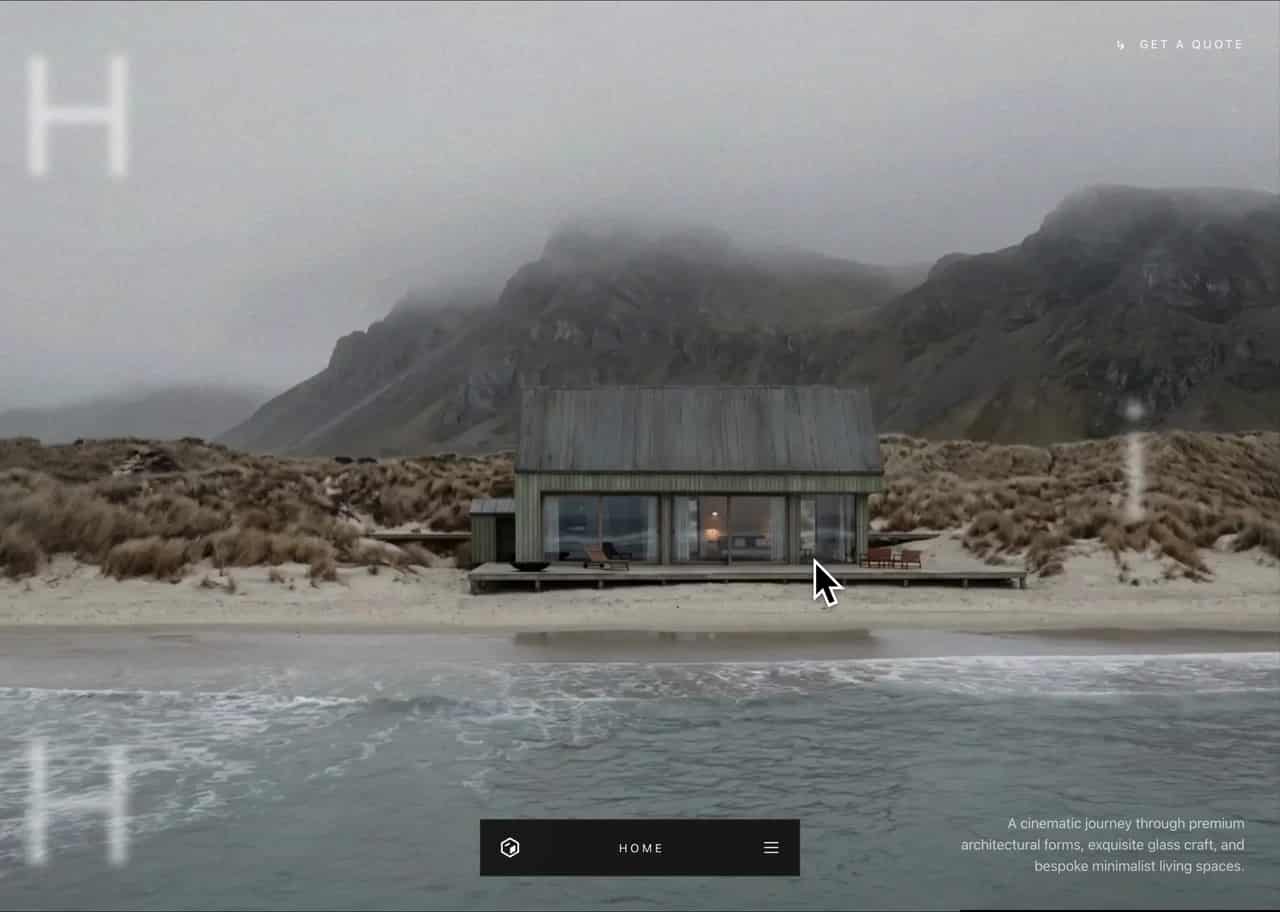
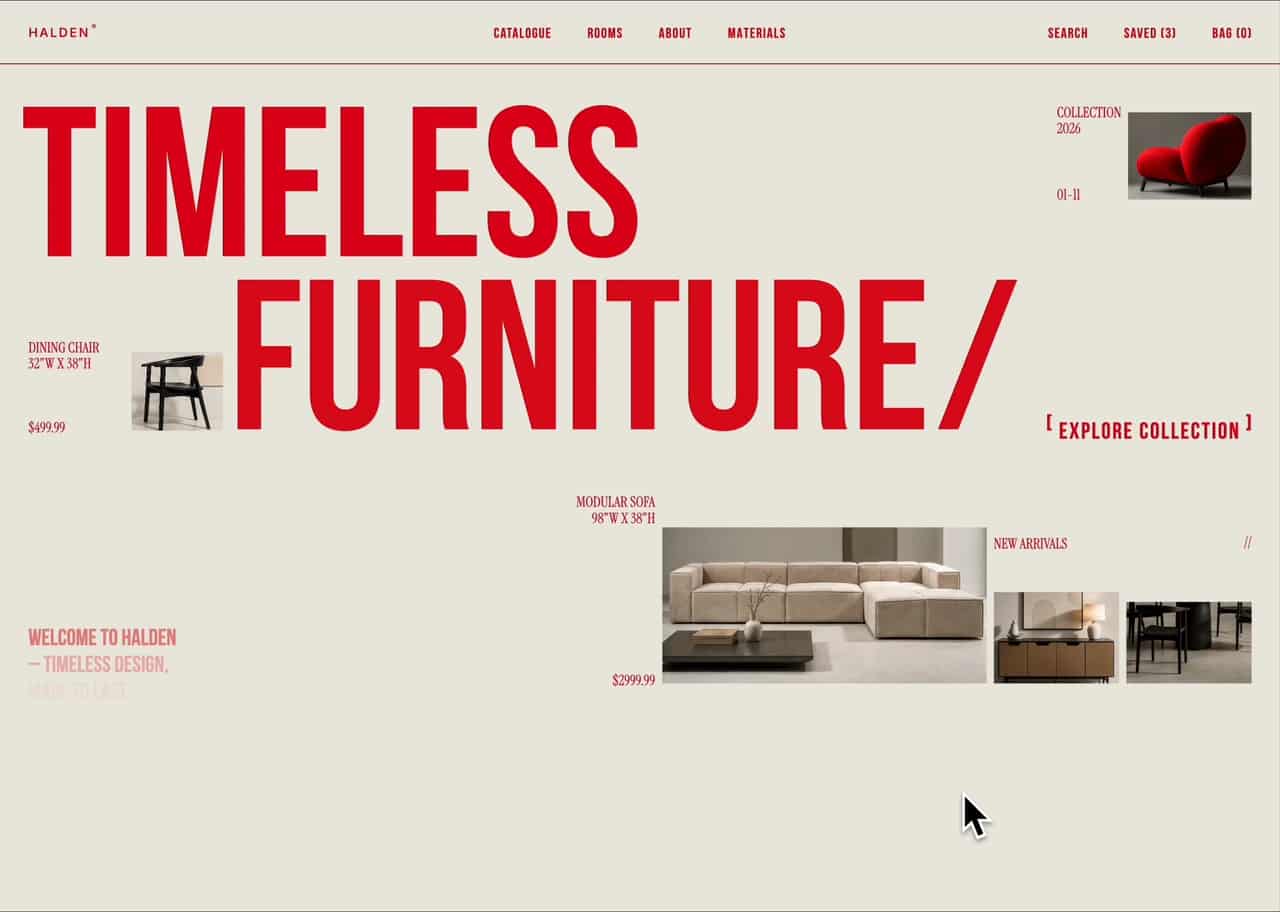
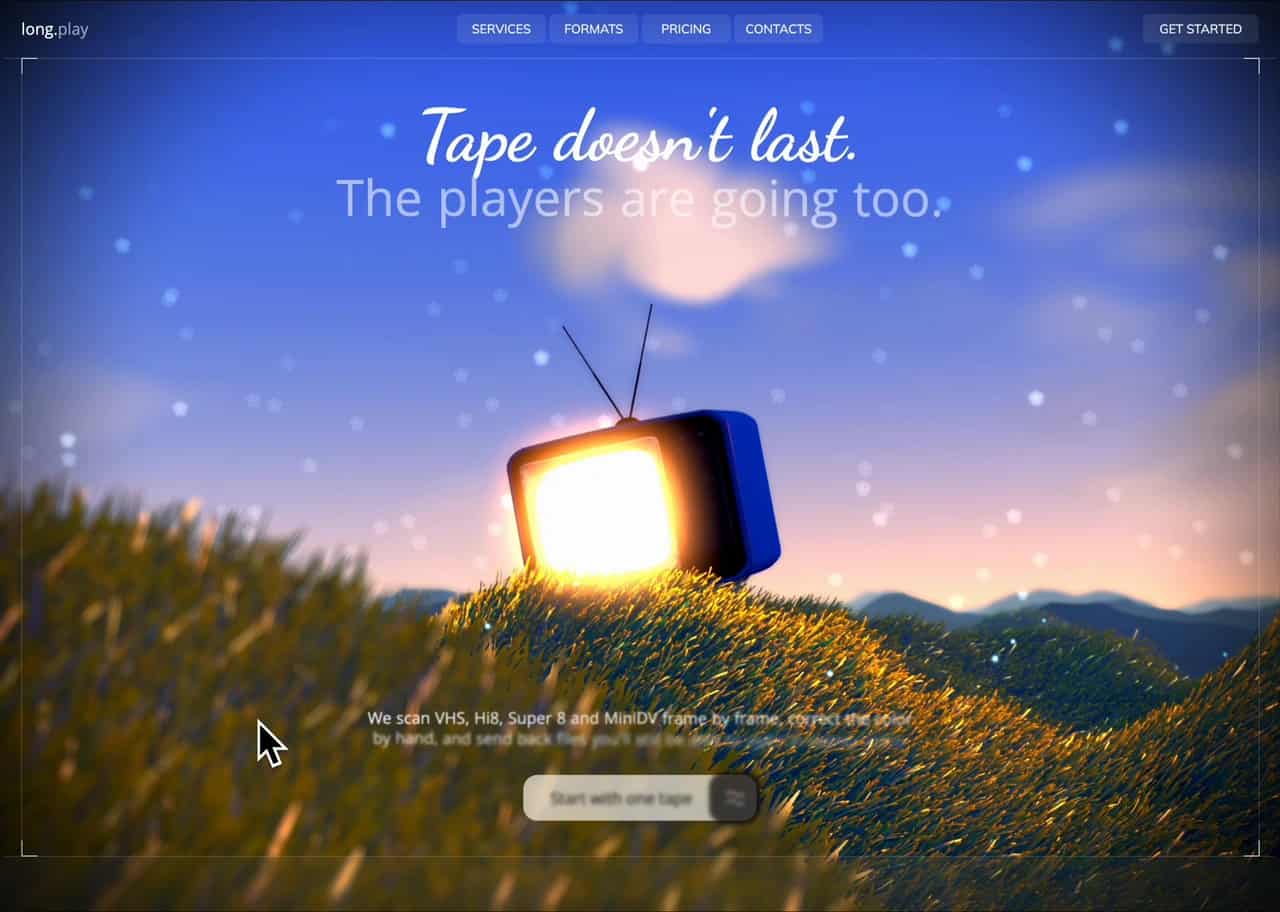
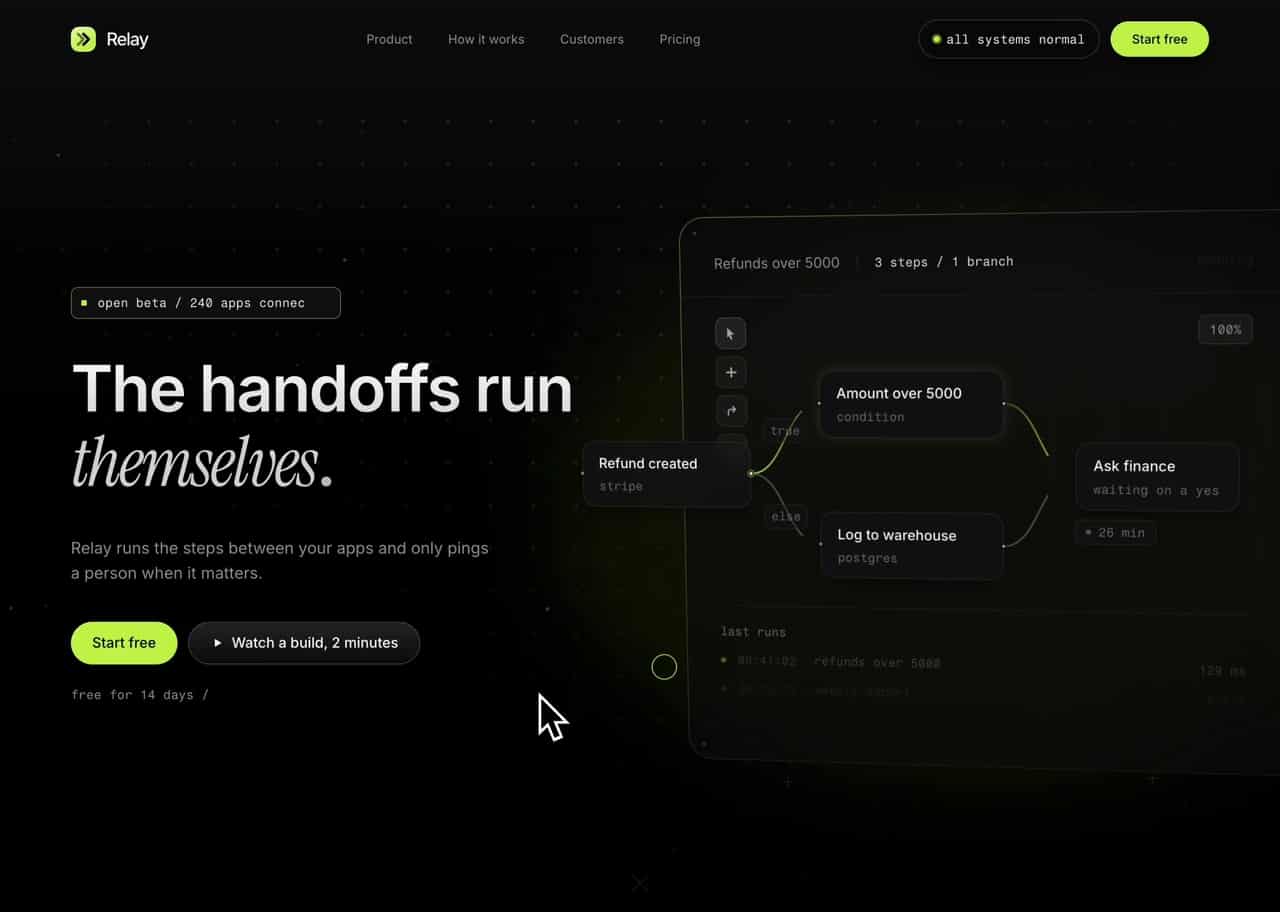
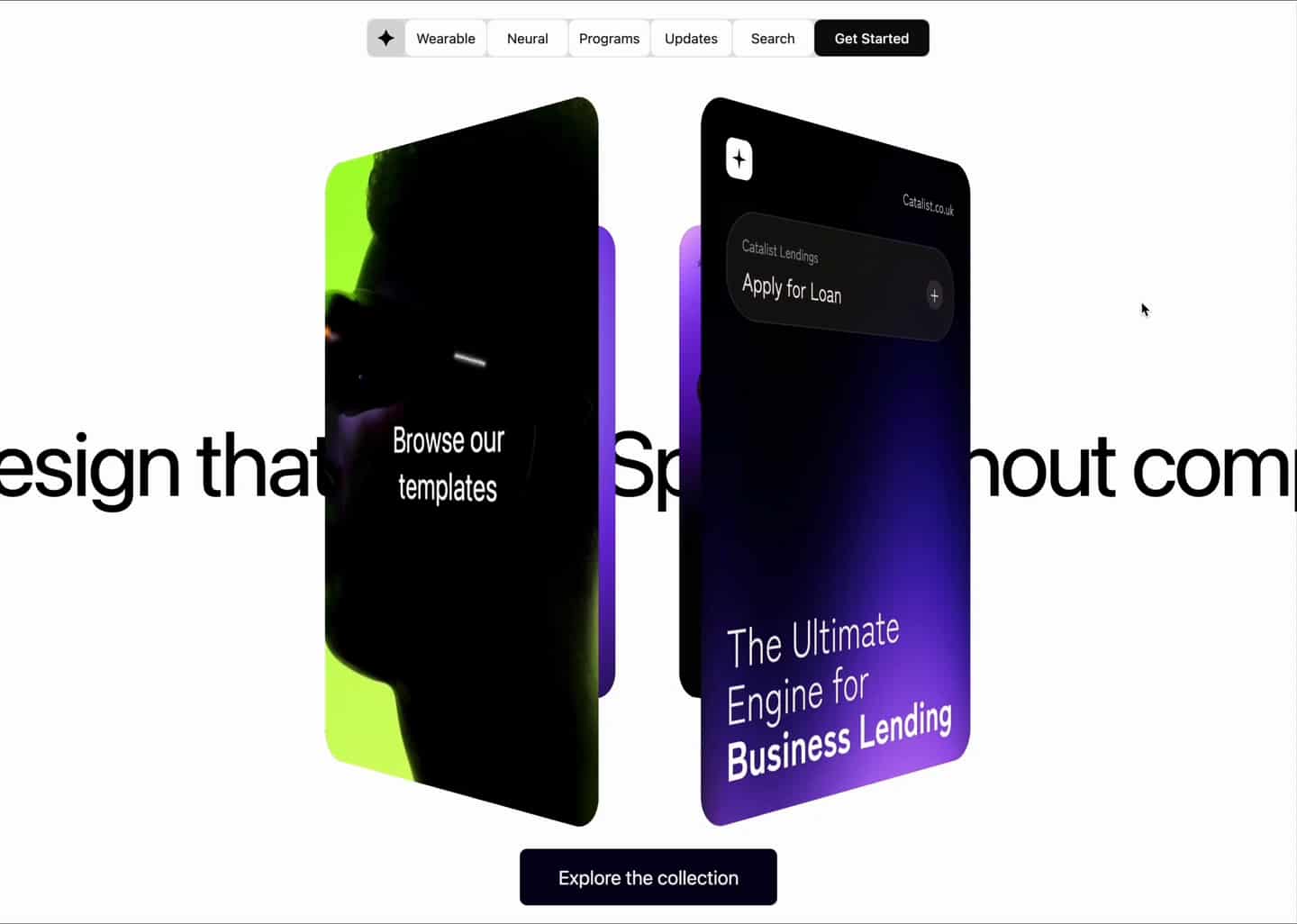
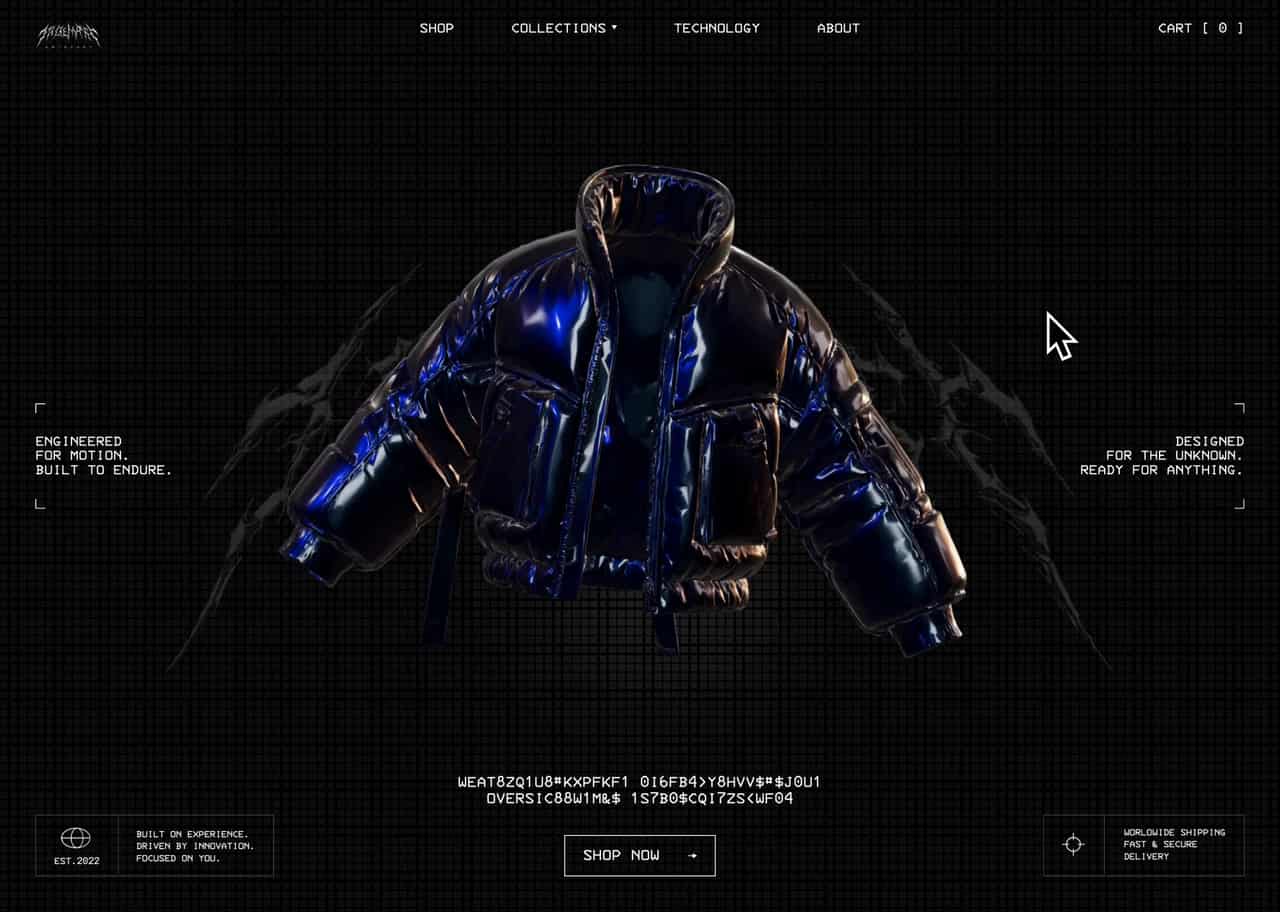
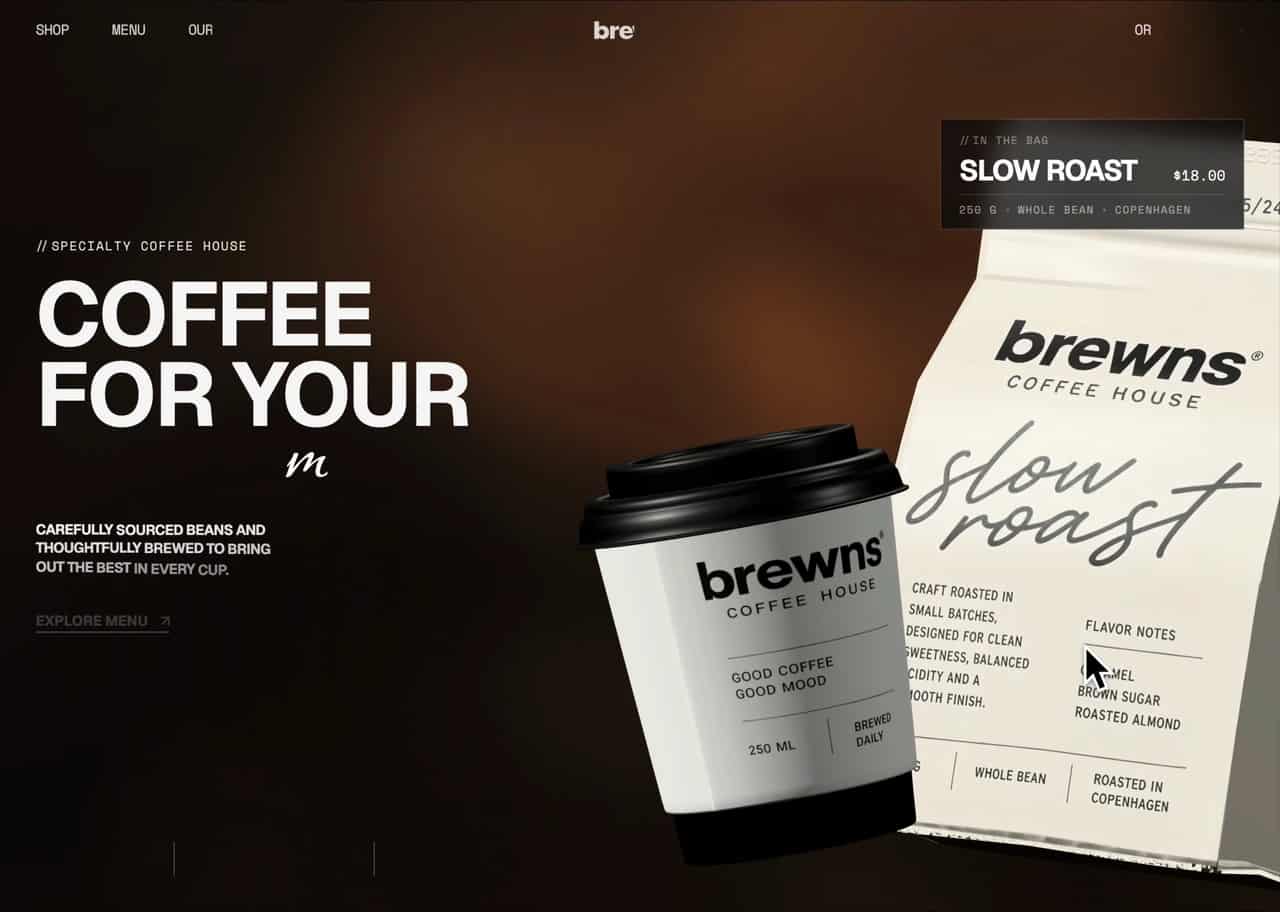
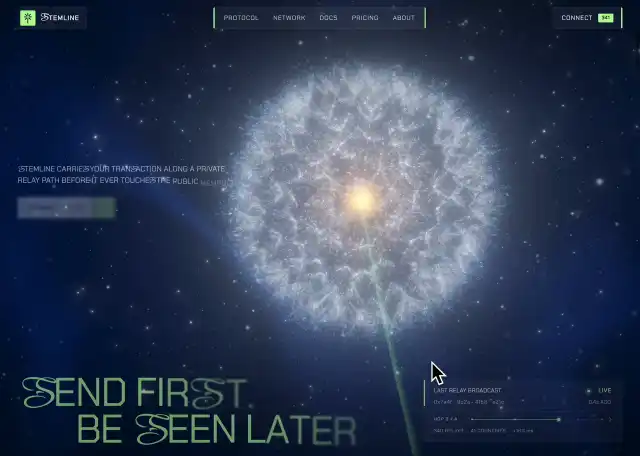
A template is the whole thing: layout, motion, type, and the atmosphere that holds them together. Some are heroes for a page you already have; others are full landing pages you can ship once the copy is yours.
Ask your coding assistant to generate a self-contained HTML page or adapt the prompt to your framework and existing project. The purchased prompt provides instructions, not a bundled Next.js project.
Some templates still need optimisation for mobile performance and load speed. Next.js covers most of it out of the box — content ships in the initial HTML so crawlers index it without running animation JS, and heavy scenes can be client-side only so they never block first paint.
When to use it
When you need a whole page or a finished hero — a launch site, a product landing page, a portfolio front.
Related
3D scenes
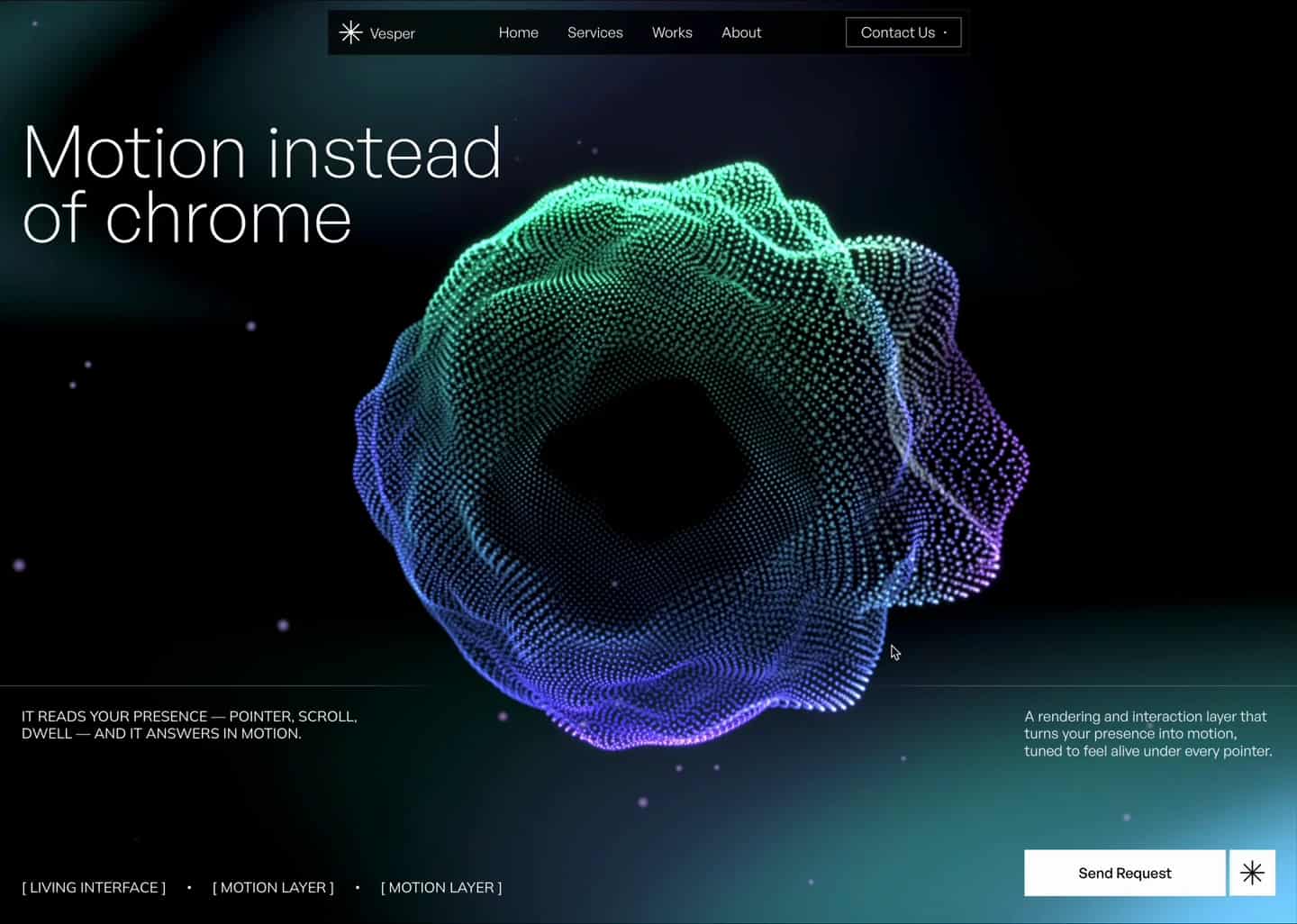
3D scene prompts describe particle fields, shaders and animated geometry. Use a coding assistant to generate the scene and integrate it into your project.
A 3D scene isn't a page — it's a component you drop into one you're already building: behind a hero, as a section backdrop, as an interactive centrepiece.
Tell your coding assistant whether you need a self-contained HTML scene or an implementation within your existing framework.
Your coding assistant generates the Three.js setup, render loop and shaders. Review the generated code and adapt it to your project structure.
When to use it
When a section needs depth or atmosphere that flat CSS can't reach — a 3D hero for a SaaS landing page, an interactive backdrop behind a pricing table.
Related
Sections
Section prompts describe individual interface blocks, such as sliders, FAQs, forms and feature rows. Use a coding assistant to generate the block for your existing page.
Sections are for pages you've already started. One part falls flat — the FAQ accordion, the testimonial slider, the contact form — and a section replaces just that part, without rebuilding the page around it.
Ask your coding assistant to generate the section and adapt it to the page, framework and styling you already use.
Sections are meant to be composed, so they're written to be pulled apart. Take the interaction and leave the styling, or keep the layout and rewrite the copy.
When to use it
When the page exists and one block of it needs to be better — not when you're starting from nothing.
Related
Why are prompts a single self-contained HTML file?
Because a single self-contained HTML file is stack-agnostic. It carries no build step, no dependency tree, and no assumptions about your project — so it drops cleanly into any AI environment and can be rebuilt anywhere.
The alternative — emitting framework code directly, a React component or a Vue SFC — makes a choice that should be yours. The moment a prompt emits React, it's wrong for everyone who isn't on React.
One file is also the cleanest handoff to another AI: it fits comfortably in context, complete and unambiguous. Give a model a folder tree instead and it starts guessing.
The file isn't the final format — it's the portable intermediate you translate from, into whatever you actually ship.
Related
How do immersive sites still score 80–90+ on PageSpeed?
By rendering on the server and splitting the heavy code out of the critical path. The crawler gets a complete HTML document, the visitor gets the full animated experience, and neither one waits on the other.
Three things do the work: server-side rendering (the document arrives complete, so a bot scans real headings instead of waiting on JavaScript), bundle separation (shaders, 3D, and motion engines load once the page is usable), and restrained motion (the main thread stays free during the moments the score is measured).
That said, not every template is SEO-optimised out of the box — some will still need work from your side.
When to use it
Read this when someone tells you an animated site can't rank — or before you rebuild a layer client-side and undo the work.
Related
Purchases and pricing
One-time payment. No subscription.
Select Get prompt to see the price and complete your one-time purchase. There are no subscriptions or automatic renewals.
FAQ & troubleshooting
Common questions about prompts, stacks, models, and licensing — and what to check first when a prompt doesn't produce what the preview showed.
If something isn't working, check the model first — a wrong or outdated model accounts for most reported mismatches.
What AI models work with these prompts?
The prompts are model-agnostic — plain structured language that runs on any current coding model, including Claude Fable 5, Claude Sonnet 5, Claude Opus 5, Claude Opus 4.8, GPT-5.5, GPT-5.6 Sol, Gemini 3.1 Pro, Grok 4.5, GLM-5.2, DeepSeek V4-Pro, MiniMax M3, and Kimi K3.
The prompt isn't producing what I expected. What do I check?
Check the model first — every prompt is tested against Claude Opus 4.8, and weaker or older models tend to lose the motion and depth while keeping the structure. After that, confirm the prompt was pasted whole and unedited.
Can I use these with WordPress, Astro, Vue, or another framework?
Yes. Prompts generate a single self-contained HTML file, which you can then hand to an AI along with your project and ask it to rebuild following your structure. Alternatively, state your target stack in the prompt up front and it will build there directly. Anything the AI can reach works.
Can my AI assistant use the library directly, without copying prompts?
AnimaPrompt does not currently provide an MCP connection or direct library access for AI assistants. Prompt packages are purchased individually and delivered manually by email.
Are other prompts included in my purchase?
Your purchase covers the selected prompt. Additional prompts are separate one-time purchases.
Related